
A car blocks your way
Let the owner know they need to move it, without looking for a phone number.
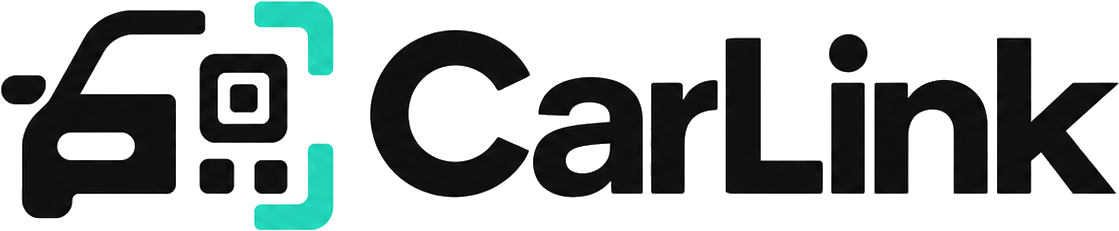
Made for the road, built for privacy
CarLink ID is a unique QR contact sticker for your car. Anyone can reach you through it without seeing your phone number.
Launching first in Pakistan. No app needed to scan.
Everyday situations
A simple way to reach a car owner when something on or around their car needs attention.
Let the owner know they need to move it, without looking for a phone number.
A quick heads-up can help the owner get back to their car in time.
Contact the owner about a time-sensitive issue while keeping your number private.
If a car won’t start, let its owner know you can help with a jump-start.
Tell the owner about damage before they return to the car.
Report a possible break-in from a safe distance—no direct contact details needed.
Meet CarLink ID
CarLink ID is a unique QR contact sticker for your car. A passerby scans it with their phone camera and can send you a private note—without seeing your number or installing an app.
Your number stays private.
Parking problem?
Lights left on?
Need to move a car?
One quick scan.
Simple by design
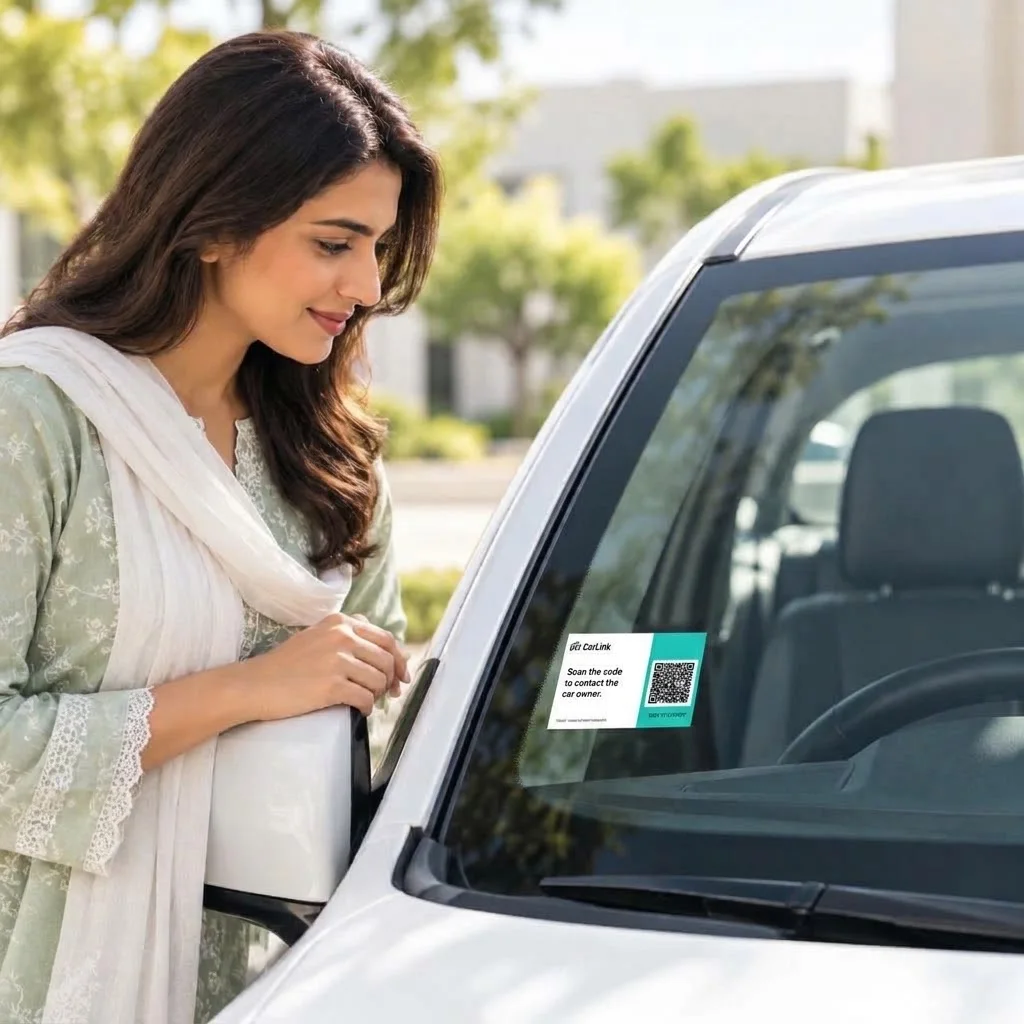
01
Place your weather-ready QR contact tag where people can spot and scan it.
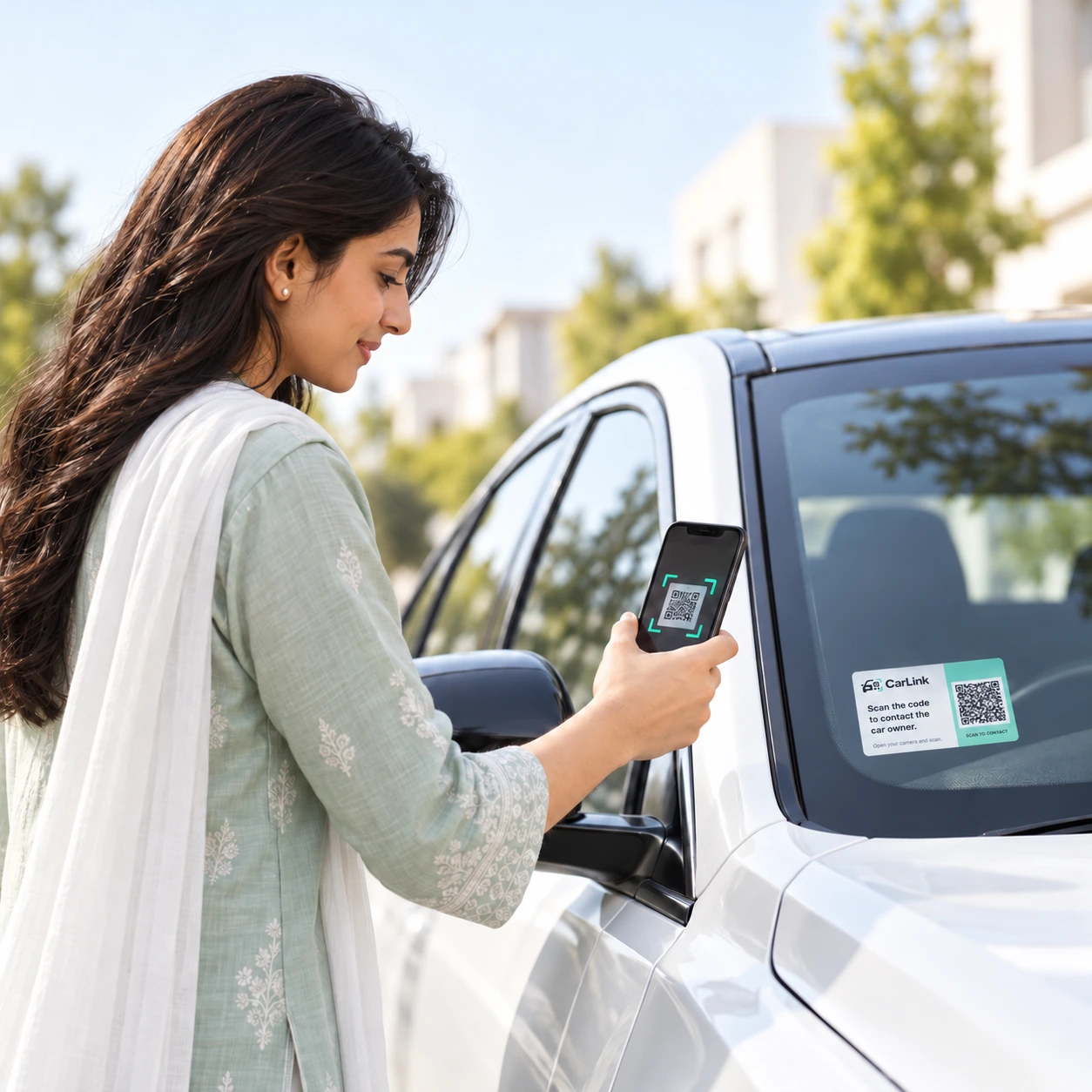
02
Any phone camera opens a simple contact page. No download required.
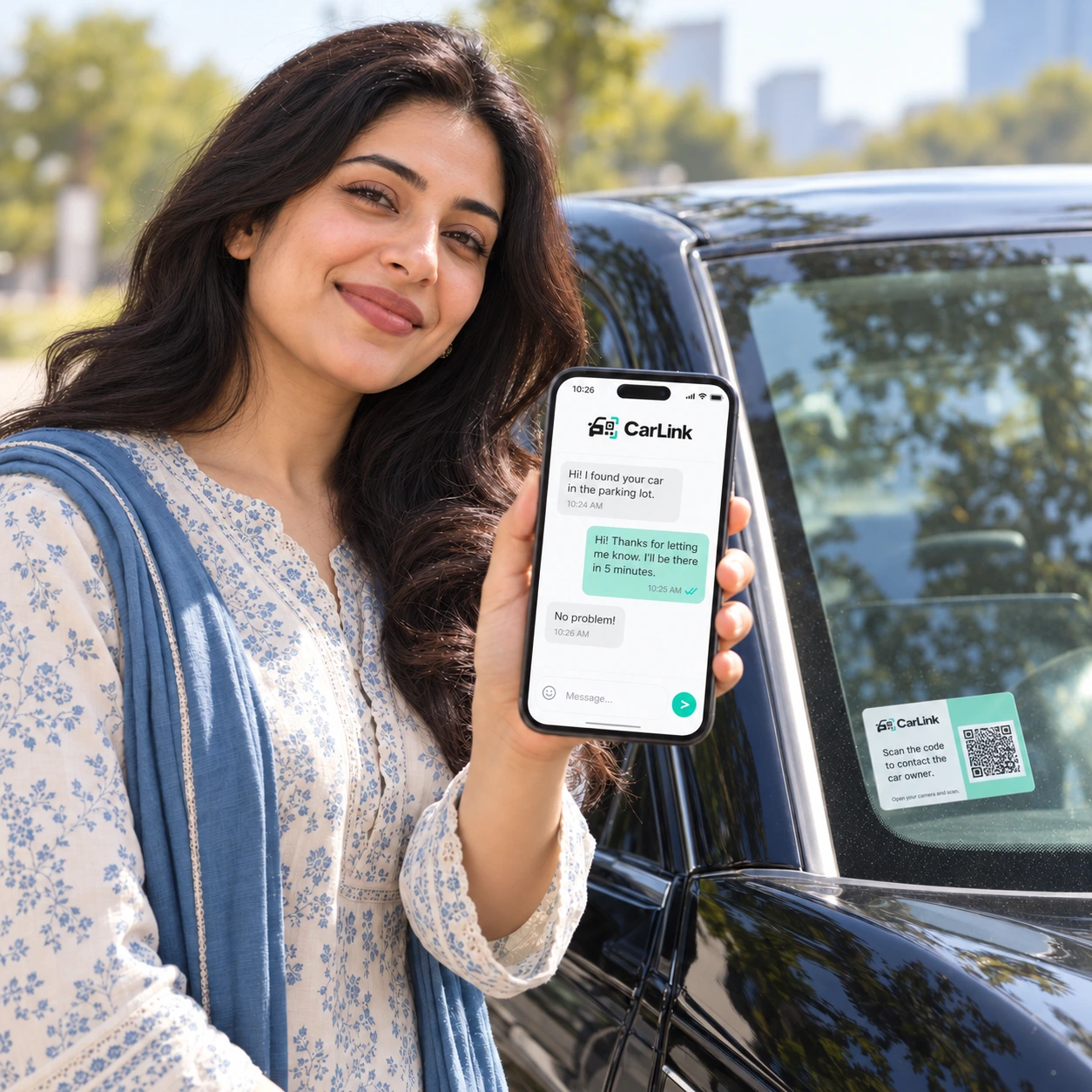
03
They can send a message while your phone number remains hidden.
Your owner workspace
See how your CarLink IDs keep each car and its private conversations together.
Your CarLink IDs
Give each CarLink ID a vehicle name and plate. Your account keeps each QR and its details together, so you can recognize them at a glance.
Independent controls
Turn one CarLink ID’s QR contact on or off, and manage its chat separately. Those settings apply to that car—not every ID on your account.
Other IDs are unchanged
Private conversations
A scanner can leave a note. The owner chooses whether to continue in a private CarLink chat; phone numbers stay hidden.
Your lights are on.
Thanks for letting me know.
Optional alerts
Connect supported phones or browsers and opt in to owner notifications for new notes. You choose which devices receive alerts.
Classic Plus
Plus shows scan counts and visit times, with masked network activity and optional network blocking. It does not identify a person or show their precise location.
Orders and activation
Track delivery and get optional alerts as the order moves through its stages. When it arrives, sign in and use its private activation code to link the QR to your car.
1 of 6 · Your stickers
Classic Plus customization
Pick a starting design, then make it yours with text, colors, shapes and images. The CarLink logo, required message and QR area stay protected.
01 / 04 · For the mic-drop moments
Make your CarLink ID your own with designs inspired by the memes, moments, and internet culture you love.

Fan-made starting points, not official collaborations. Edit a template before placing your order.
Keep CarLink close
Install guidance for Android, iPhone and laptops. Scanning a CarLink ID still needs no app.
Early access